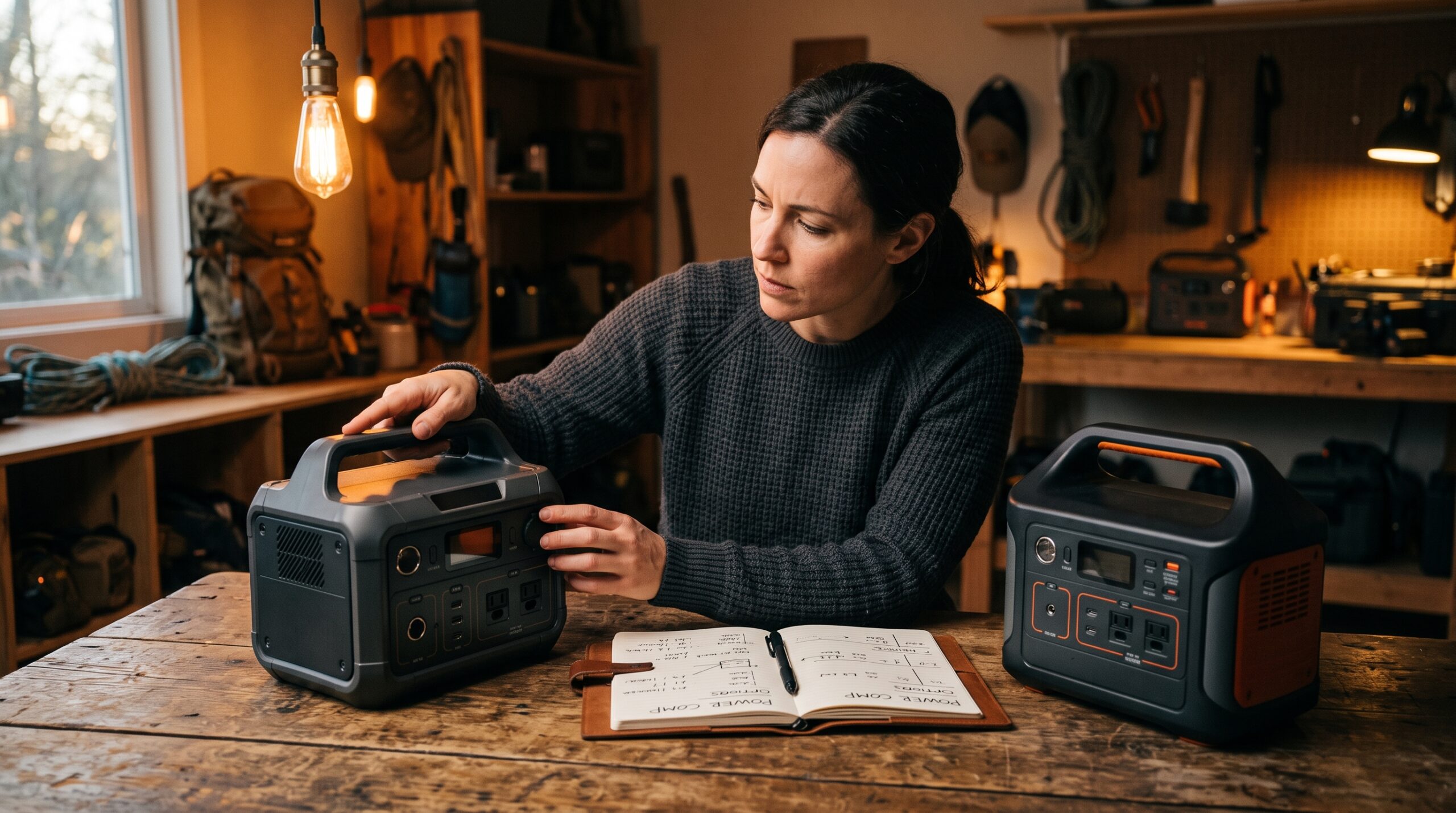
The fastest way to buy the wrong power station is to start with a brand or a price and work backward. Start with your load instead: the actual devices you want to keep running, how much power they pull, and how long you need them. Once you have that number, every spec on the box either clears your bar or it doesn’t, and the choice gets a lot simpler.
This guide walks the decision in order. If you only do one thing, run your numbers first with the sizing calculator and the runtime calculator — the rest of the page tells you how to read the results.
Start from your load, not the brand
Two numbers decide almost everything: how much power your devices draw at once (watts), and how much energy you need over time (watt-hours). They answer different questions. Output wattage tells you which devices a unit can run at all; capacity in watt-hours tells you how long it can run them.
- List every device you actually want on backup — phone, laptop, router, a couple of lamps, a CPAP, a fridge.
- Add up the running watts. Use each device’s continuous draw, not the “max” number on a sticker. That sum is your minimum continuous output.
- Check the surge. Anything with a motor or compressor — a fridge, a sump pump, a power tool — briefly pulls far more on startup than it does running. Your unit’s surge (peak) rating has to cover that spike, usually for only a second or two.
- Turn it into watt-hours. Multiply each device’s watts by the hours you want it, add them up, then pad the total for inverter losses and battery aging. A usable rule of thumb is to size capacity well above the raw figure rather than right at it.
If those terms are fuzzy, two short explainers do the heavy lifting: what a watt-hour actually measures and running watts vs. starting watts. When you’re ready to put real numbers in, the sizing calculator totals your watts and surge, and the runtime calculator estimates how long a given capacity holds your load.
Battery chemistry: LiFePO4 vs. NMC
Most current power stations use one of two lithium chemistries, and the difference is mostly about lifespan versus weight. LiFePO4 (lithium iron phosphate, sometimes “LFP”) is rated for roughly 3,000–5,000 charge cycles before it fades to 80% of its original capacity. Older NMC (nickel-manganese-cobalt) packs are typically rated around 500–1,000 cycles to the same point. For a unit you cycle regularly — solar charging, frequent outages, off-grid use — LiFePO4 is the one that lasts years rather than seasons, and it tends to run more stably in heat.
NMC’s advantage is energy density: it packs more capacity into less weight, which is why some ultralight or older units still use it. If you’ll only pull the station out a few times a year and weight matters, that trade can be fine. For most home-backup buyers in 2026, though, LiFePO4 is the safer default. The trade-offs are laid out in full in LiFePO4 vs. lithium-ion power stations.
Output quality and ports
Insist on a pure sine wave inverter. It produces clean power that matches a wall outlet, which is what sensitive electronics, medical equipment, and variable-speed motors expect. Modified sine wave is cheaper but can run hot, buzz, or misbehave with those loads — see pure sine wave vs. modified sine wave for why it matters.
Then count the ports against what you’ll plug in:
- AC outlets — how many standard 120V plugs, and whether the total continuous output covers everything running at once.
- USB-C PD — high-wattage USB-C (60W–100W) charges laptops and tablets directly, skipping the bulky AC brick and wasting less energy.
- USB-A — for phones and small accessories.
- 12V DC — a car-style socket or DC outputs for fridges, fans, and 12V gear.
Spec sheets can flatter the truth, so read them carefully. A useful habit is in how to read power station specs, which covers where the marketing numbers and the real numbers tend to diverge.
Recharging and expandability
How you refill the battery matters as much as how big it is — especially in a multi-day outage. Check three paths:
- AC (wall) speed. Some units take most of a day to top off; faster ones do it in an hour or two. If you charge before a storm, slower is fine; if you’re cycling daily, speed counts.
- Solar input and MPPT. If you plan to recharge off-grid, check the maximum solar input watts and confirm the unit has an MPPT charge controller, which harvests more from panels in imperfect conditions. Pair it with portable solar panels rated for that input.
- Car charging. Slow, but a real lifeline when grid and sun are both out.
Expandability is the hedge for buyers who aren’t sure how much they’ll need. Some platforms let you bolt on extra battery modules later, so you can start with a base unit and grow the capacity without rebuying the inverter. If your needs might scale — a fridge today, the whole essentials circuit next year — favor an expandable line.
Weight, portability, and the extras
Capacity and weight move together. Small units are grab-and-go; large home-backup units can weigh well over 50–80 pounds and may need two hands or a cart. Be honest about whether this is a stationary backup box or something you’ll actually carry to a campsite, because that decides how much capacity is reasonable to lug.
A few extras are genuinely worth paying for, depending on use:
- UPS / EPS pass-through — the unit sits between the wall and your devices and switches to battery within milliseconds when the grid drops. Useful for a desktop, a router, or medical gear that can’t tolerate a blink.
- App / display — remote monitoring of charge, draw, and time remaining; nice to have, not essential.
- Warranty — LiFePO4 units often carry longer coverage (commonly 3–5 years). A longer warranty is a reasonable proxy for how the maker rates its own pack.
Match capacity to your use case
Once you have your watt-hour number, it usually lands in one of three tiers. Treat the ranges below as a starting frame, then confirm against your own total — your devices, not an average household’s.
| Use case | Rough capacity | What it realistically covers |
|---|---|---|
| Small / personal | ~200–500 Wh | Phones, tablets, a laptop, a router, LED lights, short outings. Light and easy to carry. |
| Mid / overnight essentials | ~500–1,500 Wh | A CPAP overnight, a fridge for several hours, lights and devices through a typical outage. The common “one storm” size. |
| Large / multi-day, expandable | ~2,000 Wh and up | A fridge plus the essentials circuit over a longer outage, ideally with solar recharge and add-on batteries. |
Specific loads have their own math. For sleep equipment, see the best power station for a CPAP; for keeping the kitchen running, the best portable power station for home backup works through fridge-sized loads. If you’re weighing a battery against a fuel-burning unit entirely, generator or power station covers that fork.
How to actually buy one
No fake prices or “we tested” claims here — just an honest order of operations:
- Run your number. Use the sizing calculator for watts and surge, then the runtime calculator for how long a candidate capacity holds your load. This is the step most buyers skip and later regret.
- Shortlist by spec, not by ad. Confirm continuous output covers your running watts, surge covers your worst spike, and capacity clears your padded watt-hour total.
- Filter for the non-negotiables: LiFePO4, pure sine wave, the ports you need, enough solar input if you’ll recharge off-grid.
- Check current measured reviews from independent sources before you click buy, since real continuous output and recharge times sometimes trail the spec sheet.
Browse vetted picks once you know your tier in the best power stations roundup.
One pick per size class, live prices


As an Amazon Associate we earn from qualifying purchases. Prices are pulled automatically from Amazon and may have changed.
Frequently asked questions
What size power station do I actually need?
It depends entirely on your load, which is why a blanket “get 1,000Wh” answer is unreliable. Add up the running watts of your devices, multiply each by the hours you want, then pad for losses. The sizing calculator and runtime calculator do this in a couple of minutes and give you a real number to shop against.
Is LiFePO4 worth paying more for?
For most people, yes. LiFePO4 lasts roughly three to five times as many charge cycles as older NMC chemistry and tends to handle heat better. If you’ll use the unit more than a few times a year, the longer lifespan generally outweighs the modest price premium. NMC only makes sense when you specifically need the lightest possible unit for occasional use.
Why does pure sine wave matter?
Pure sine wave output mimics the clean power from a wall outlet, which sensitive electronics, medical devices, and variable-speed motors are built to expect. Modified sine wave is cheaper but can cause buzzing, heat, or errors with those loads. For backup power you’ll trust with a laptop or a CPAP, pure sine wave should be a hard requirement.
What’s the difference between running watts and surge watts?
Running watts are the steady power a device uses while it operates. Surge (or starting) watts are the brief spike some devices — fridges, pumps, anything with a motor — draw for a second or two at startup. Your power station has to clear both: continuous output for the running load, and a high enough surge rating for the spike. More detail is in running watts vs. starting watts.
Should I get an expandable unit?
If your needs might grow, expandability is a smart hedge. Modular platforms let you add battery capacity later without replacing the inverter, so you can start with a base unit for one storm and scale toward multi-day coverage. If your load is fixed and modest, a non-expandable unit at the right size is usually cheaper.
Sources
- Consumer Reports — Best Portable Power Stations
- Consumer Reports — 5 Things to Know About Portable Power Stations
- EcoFlow — What Is a LiFePO4 Battery?
- EcoFlow — LiFePO4 or NMC? Choosing the Right Chemistry
- Consumer Reports — Best Portable Solar Panels and Battery Chargers